

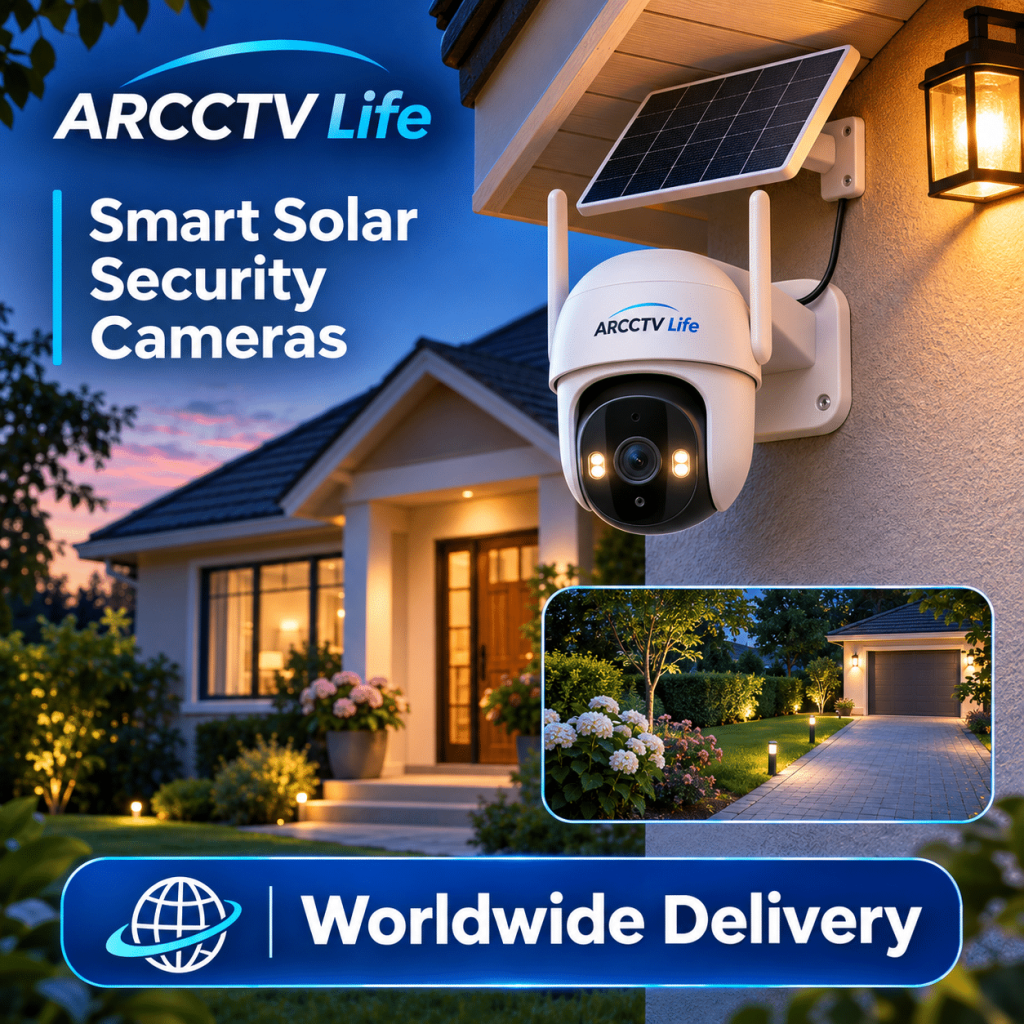
For an outdoor camera, the view and the power supply are closely connected: a useful angle is less helpful if reaching the camera to recharge it becomes a chore. ARCCTV’s SolarCam Q1 Max Arcctvlife is designed to address both considerations with a remotely controlled pan-and-tilt head and a solar panel paired with a rechargeable battery. Its product page lists 4MP video, human and other activity detection, two-way audio, and Wi-Fi connectivity as part of the package.
The Q1 Max is not simply a fixed lens pointed at one doorway. Its head can pan 355 degrees and tilt 90 degrees, with movement controlled through the ARCCTV app. That makes it a candidate for locations where activity may occur across a broad yard or approach. The practical fit depends on the mounting position, available sunlight, and Wi-Fi signal; those conditions are worth assessing before installation rather than assuming the camera can cover every area from any spot.
A movable view, controlled from the app
The product listing describes the camera’s image as 4MP, with a resolution of 2560 × 1440. It presents this as a way to capture more detail than a basic lower-resolution picture. The listing also advertises 360-degree viewing coverage, while its more precise movement specifications are 355 degrees of pan and 90 degrees of tilt. Those details describe a camera that can turn through most of a horizontal circle and adjust its vertical angle, rather than a stationary camera with a wide fixed lens.
Users can adjust the viewing direction from the app and check a live view. The page also describes auto tracking, which follows people as they move, and AI detection for identifying people, pets, and vehicles. These are distinct functions: pan and tilt let someone change the camera’s direction, while tracking and detection are intended to help the camera respond to activity. The product description does not establish that every moving object will be identified or followed in every setting, so the features are best understood as tools for monitoring rather than a guarantee of complete coverage.
Custom detection zones provide another way to focus monitoring. The listing gives examples such as an entrance or driveway, where activity may matter more than movement in a neighboring area. Selecting a zone can help limit attention to a chosen part of the picture, but it does not replace careful camera placement. A camera aimed at a broad area may still include places that a household would prefer not to monitor, so the viewing angle and chosen detection region deserve attention during setup.
Solar charging and the conditions it depends on
The Q1 Max combines a rechargeable battery with a solar panel, and ARCCTV presents solar charging as a way to reduce the need for manual recharging. That is a practical feature for an outdoor location where a power cable would be inconvenient. The page’s setup guidance makes an important qualification: the panel should be placed where it receives direct sunlight, and the camera may still need manual charging if sunlight is limited or use is frequent.
This means the mounting decision involves more than finding a good camera angle. The chosen spot needs a dependable Wi-Fi signal, and the solar panel needs suitable sun exposure. Those requirements may point to different positions, so the installation should allow the camera’s view and the panel’s placement to work together. ARCCTV’s instructions describe checking the live view and Wi-Fi connection before mounting, then securing the camera and adjusting its angle. That sequence can help identify a weak signal or an unsuitable view before the hardware is fixed in place.
The product text gives different figures for the panel and battery in different parts of the page: one section specifies a 3W panel and 5200mAh battery, while another mentions a built-in 1.7W panel and a 5,000mAh battery. Because those specifications do not match, it is sensible to confirm the current details for the particular listing or package before relying on an exact figure. The consistent point across the page is that the camera uses solar charging alongside a rechargeable battery, with solar intended to reduce—not necessarily eliminate—the need to recharge manually.
Alerts, night viewing, and two-way audio
The camera can send a phone notification when it detects motion, according to the product page. Human detection is highlighted among its core features, and the page also describes AI identification for people, pets, and vehicles. Motion alerts can draw attention to activity without requiring someone to watch a live feed continuously. The usefulness of those alerts will depend on the detection settings, the selected zones, and the activity around the camera.
For low-light use, the listing refers to both color night vision and infrared night vision, and specifies infrared viewing up to 15 metres. The source material does not give a distance for color night vision, so those modes should not be treated as having identical capabilities or range. The product is presented as a day-and-night camera, but the precise image a user gets after dark will depend on the surroundings and lighting conditions.
Built-in two-way audio lets a user hear and speak through the app. The product page presents this for talking with visitors, and it also says the live view can be displayed on a compatible Alexa-enabled screen using a voice command. The Alexa capability is specific to compatible displays; it should not be read as a claim that every Alexa device supports the same camera view. The listing does not describe the audio as a substitute for a dedicated intercom or emergency communication system.
App access and recording choices
The ARCCTV app is the control point described for live viewing, camera movement, alerts, playback, and sharing access with family members across multiple devices. The product page says users can review recorded clips in the app and share video through it. These functions make the camera more than a standalone recording device: checking footage and changing the viewing direction are meant to happen remotely, while the camera remains connected to the home network.
For local recording, the page specifies an SD card of up to 256GB. It says event recordings can be stored on a card installed in the camera without a cloud subscription. Cloud storage is presented separately as an optional service that requires a paid subscription. This distinction is useful when comparing storage preferences: the listed local option keeps event recordings on the camera’s SD card, while cloud storage is an additional choice rather than a stated requirement for using the camera.
The page also says ARCCTV uses end-to-end encryption and secure data handling, and describes controls for choosing what data is collected and reviewing, managing, or deleting it. Those are the company’s stated privacy measures. The listing mentions home/Away modes and status indicators as additional privacy controls. Anyone considering a camera for a shared or sensitive area may want to review the current app settings and privacy information directly, since the page’s summary does not provide technical details about how each control works.
Outdoor placement and installation
ARCCTV describes the Q1 Max as IP65 protected against dust and rain. That rating is presented as protection for outdoor use, not as a claim that the camera can be submerged. The product package is listed as including one camera, one solar panel, a one-metre Type-C cable, two screw packs, a sticky note, a user manual, and a warning sticker. These included parts indicate that the solar panel and camera are separate pieces to position, while the cable is supplied for connection or charging as described by the product materials.
The setup process described by the company begins with the ARCCTV app. The user adds the camera, connects it to home Wi-Fi through Bluetooth setup, and checks the live image before mounting. After selecting a sunny location with a reliable Wi-Fi signal, the camera can be secured and its viewing angle adjusted. The product supports 2.4GHz and 5GHz Wi-Fi, and its page also refers to Wi-Fi 6. Remote viewing through the app requires the camera to remain connected to home Wi-Fi with internet access; a supported Wi-Fi band alone does not provide remote access if the connection is unavailable.
As a result, the Q1 Max is best considered for a place where its moving view, sunlight exposure, and network connection can all be accommodated. Its pan-and-tilt movement can help inspect different parts of an area, while detection zones and alerts can direct attention toward selected activity. Solar charging may reduce how often the battery needs attention, but the source material explicitly notes that low sunlight or frequent use can still make manual recharging necessary.
What to check before choosing it
The main decisions are practical ones: whether the mounting location has reliable Wi-Fi and direct sun, whether the camera’s movement can take in the areas that matter, and whether local SD-card recording or optional paid cloud storage better suits the intended setup. It is also worth checking the current product specifications, particularly the panel and battery figures, because the supplied page text lists more than one set of values. The stated camera features include 4MP video, 355-degree pan, 90-degree tilt, motion and human detection, two-way audio, night vision, and IP65 dust and rain protection. Those details provide a useful basis for comparing the Q1 Max with a fixed camera or with other ways of monitoring an outdoor area.
Rather than relying on a single feature in isolation, the Q1 Max’s proposition is the combination of an adjustable viewpoint, app-based monitoring, and solar-assisted power. Whether that combination is a good match depends on the site: a sunny position with solid Wi-Fi and a broad area to monitor is a different installation challenge from a shaded corner or a location with unreliable connectivity. Checking those conditions, the recording approach, and the exact current specifications can help clarify whether this particular ARCCTV camera fits the job.
Get all details about Arcctvlife
Sponsored by Gabal Global Group, with publishing tools from CheapPlugins.