

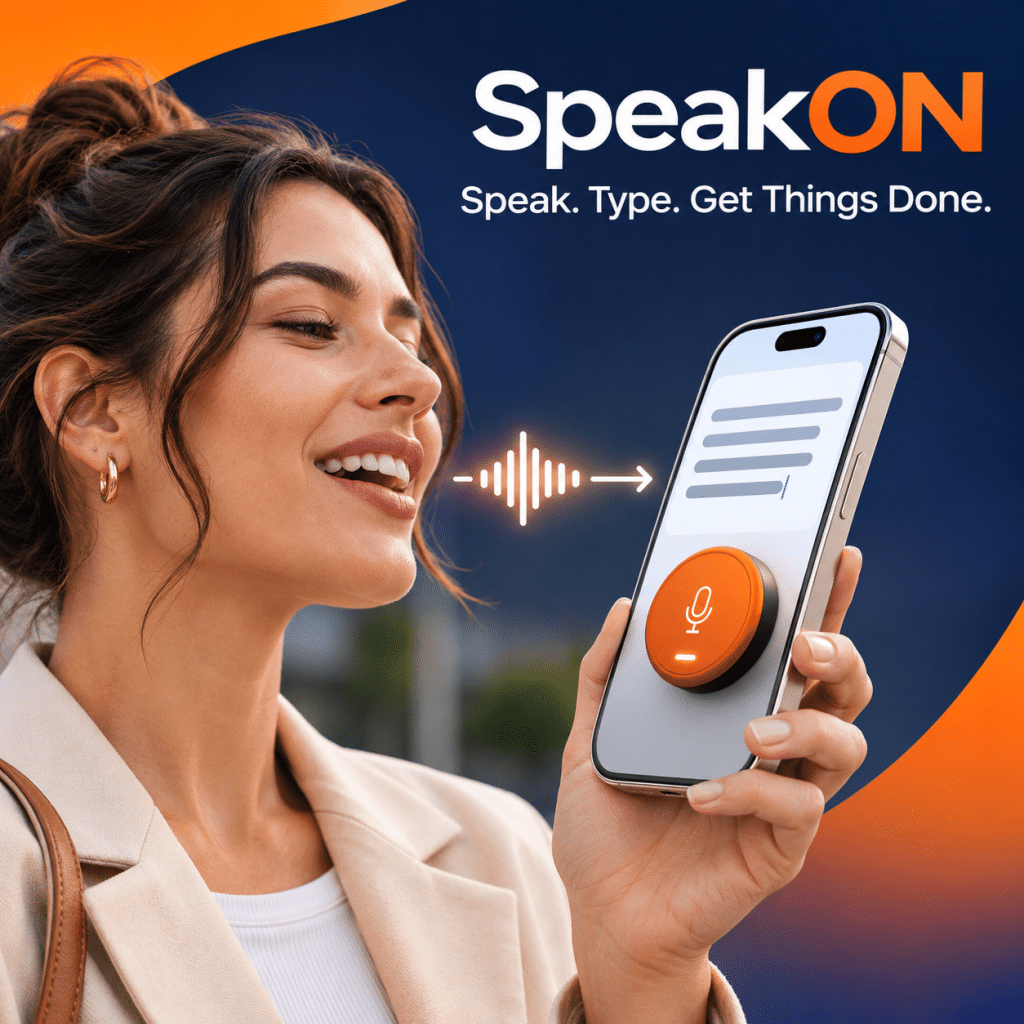
SpeakON Speakon is a MagSafe iPhone accessory paired with an AI voice app, designed to turn spoken thoughts into writing, notes and prepared actions. Its central idea is to make voice input available through a physical button, rather than asking users to begin by opening an app or switching keyboards. The company describes the intended audience as people whose work depends on frequent communication, including founders, investors, consultants, executives and sales leaders.
The system brings together two parts: a magnetic iPhone accessory and an AI layer the company calls Attune. SpeakON presents the accessory as a way to start speaking quickly, while the app interprets and shapes the resulting words. The product page describes unlimited voice typing with a one-time purchase and says a Pro plan is included. It also describes voice notes, editing, translation and an agent that can prepare actions in connected apps. The useful distinction is that SpeakON is presented as more than speech-to-text: it is a voice-led workflow for creating and using communication.
A physical shortcut into voice input
SpeakON’s hardware is built around a dedicated button and microphone. The company says the device attaches magnetically to an iPhone and can be activated by pressing and holding the button. It advertises activation in 0.1 seconds, more than 10 hours of continuous use and up to two weeks of standby. Those figures are product specifications stated on the company’s pages, rather than independent measurements.
The accessory is intended to let a user start capturing an idea without unlocking the phone. The product page also says that it works while the iPhone is locked and can record offline, then process and sync when connectivity returns. SpeakON describes the microphone as its own, leaving the iPhone’s microphone free. Together, these details position the hardware around quick access and capture in situations where navigating a screen or typing may interrupt a thought.
Once activated, the system is described as working wherever the cursor is, so a user can speak into the app already in use instead of moving text through a separate workflow. The site illustrates this as writing directly into an active app. It also promotes use across apps, though the particular range of compatible services is not fully enumerated in the supplied material. The product’s premise is therefore straightforward: use a physical control to begin speaking, and have the output appear where it is needed.
From rough speech to usable writing
SpeakON distinguishes its approach from literal dictation. Its pages say the AI can remove fillers and backtracks, organize spoken material, and adjust phrasing so the result is clearer. One example starts with an informal message containing a correction about whether a proposal will be sent Thursday or Friday. The polished version preserves the corrected timing and removes some of the hesitations. The example illustrates the intended transformation: retain the point while making the text easier to send.
Style controls are another part of that process. SpeakON says it can adapt tone to the app or communication context, and provides examples ranging from natural or friendly wording to professional or concise alternatives. In a sample, a blunt instruction about a missing attachment is recast in several tones. The company’s stated purpose is not to change the speaker’s meaning, but to make the expression fit its destination. Users can still review the resulting text before using it.
The product also supports voice editing. Rather than starting over at a keyboard, a user can ask for a draft to be shortened, expanded, converted into bullets or rewritten as an email. The site shows a spoken launch update transformed into these formats, and also presents a Japanese translation. The original voice draft is described as remaining in place while the output is reshaped. This makes the editing function relevant to people who have the substance of a message but want a different structure or presentation.
A personal dictionary addresses names and specialized vocabulary. SpeakON says users can teach it terms they use, including examples such as medical abbreviations, legal words and business acronyms. It also says it remembers slang, jargon and preferred name spellings. This feature is particularly pertinent to voice-based writing because unusual terms can be difficult to render consistently; the company presents the dictionary as a way to improve recognition of vocabulary that matters to an individual user.
Notes that can be revisited and refined
The product’s note features extend its role beyond composing messages. A user can speak an idea and save it as a note, or talk through important points after a conversation to create a recap. SpeakON also says an existing note can be edited by voice: users can add details, adjust wording or change its format without treating every revision as a separate item. The aim is to leave the spoken thought in a form that can be returned to and worked with.
That workflow connects capture and organization. Instead of relying on a person to remember an idea until they have time to type it, SpeakON offers a button-activated way to save it at the moment it occurs. The company’s materials describe notes as organized and editable, and its examples include turning selected notes into an outline. These are product capabilities and demonstrations described by SpeakON, not a claim that every spoken capture will require no later review.
The distinction between a note and a message is important to the product’s design. Some speech is meant to become a finished communication, while other speech is an initial thought, meeting recap or reminder to oneself. SpeakON presents voice capture, editing and formatting as connected options, allowing the same spoken input to be saved or refined according to the task.
An agent that prepares multiple actions
SpeakON’s AI Agent is presented as a way to move from a spoken request to actions involving connected apps. The product page gives a detailed example: a person asks for a product discussion to be scheduled, a Slack channel to be notified, a marketing contact to be emailed and added to the invitation, and a reminder to review a brief. The demonstration shows the agent identifying four tasks and gathering context such as calendar availability, a room, the relevant channel and the contact.
A notable part of the described process is approval. The agent prepares the meeting, message, email and reminder for review, and the site says messages stay unsent until approved. The user can approve selected actions, after which the demonstration shows the meeting scheduled, the channel notified, the contact invited and the reminder created. SpeakON emphasizes that only actions approved by the user are completed. This review step is central to how the company presents an agent that can affect calendars and communications: it prepares work, but the user remains in control of whether those actions proceed.
The example names Google Calendar, Slack and Gmail, and shows a meeting request involving a calendar, channel post, email and reminder. The site also describes voice commands for scheduling meetings, sending messages and setting reminders. These examples explain the intended role of the Agent without implying that every app or action is supported. The company’s wording focuses on connected apps and on preparing the details for review before carrying out approved tasks.
Practical details and company-stated data claims
SpeakON describes the purchase as a one-time payment with unlimited voice typing and a Pro plan included. The product page lists five color options: Pearl, Black, Navy Blue, Amber and Sage. It also states that the device comes with free shipping, a 30-day return period, a 12-month warranty and lifetime support. These are terms stated on the supplied product page; readers should consult the current product information for details that may change.
On data handling, SpeakON says user data is encrypted, never sold and not used to train AI models, and that users control cloud sync. Its product page also states that the service is SOC 2 Type II and HIPAA compliant. These are the company’s own claims as presented in the source material. The pages supplied here do not provide further technical detail about data flows, the scope of those statements or the specific handling of each feature, so they should be understood as stated product claims rather than expanded assurances.
The company’s own account of its purpose is focused on the communication gap between having an idea and expressing it through a phone keyboard. SpeakON frames hardware as a deliberate shortcut: a button for beginning speech, supported by AI for cleaning up text, shaping notes and preparing actions. That combination defines the product more clearly than any single feature. It is designed for users who want spoken input to lead not only to a transcript, but to text or work that is ready for review and use.
For someone considering the device, the key questions are practical ones: whether voice-first input fits their daily communication, whether the accessory’s physical activation is useful, and whether the supported apps and approval flow match the work they want to delegate. SpeakON’s pages describe a unified system for those tasks, combining an iPhone accessory, voice writing and an agent. The clearest way to understand the product is as a hardware-enabled interface for turning speech into communication and prepared actions, with the user positioned to check the output before it is sent or completed.
Sponsored by Gabal Global Group, with publishing tools from CheapPlugins.